
WhisperScribe, a Simple Shortcut for Really Fast Audio Transcription

SHORTCUTS CORNER
Get help and suggestions for your iOS shortcuts and productivity apps.
Shortcuts Essentials
WhisperScribe, a Simple Shortcut for Really Fast Audio Transcription
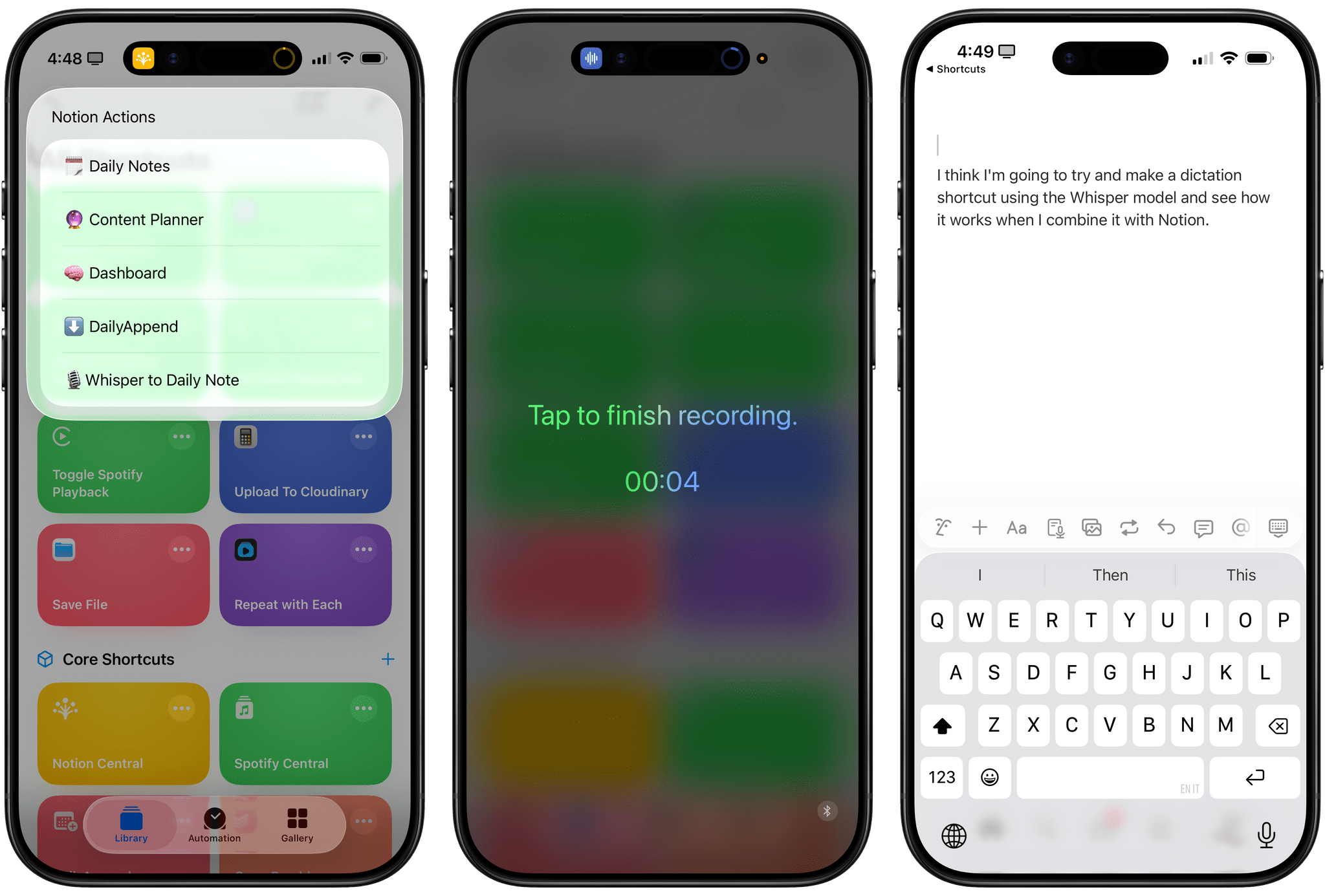
While I’ve decided to use Wispr Flow as my cross-platform dictation app (I signed up for a year of Pro membership yesterday, in fact), there are times when I want to quickly dictate an idea into my iPhone without having to go through the dance of enabling Wispr’s software keyboard, launching the app, and going back to a note-taking app to dictate my text. What if I just want to press a button on the Lock Screen, dictate something, save it, and forget about it – perhaps because I’m walking my dogs or doing chores around the house? I thought about this problem earlier this week, and I fixed it with a simple shortcut called WhisperScribe that lets me record my ideas, transcribes them really quickly, reformats them with AI, and saves them wherever I want to.
The “trick” to making this possible was learning that Groq (with a Q, a different company!) offers an API to transcribe audio files with the popular Whisper-Large-V3 model hosted on their fast inference platform. I previously wrote about my experience with running Groq-hosted models on MacStories, and it’s amazing to be able to issue requests to a model without having to wait around for a response. With transcriptions, I figured the idea would be the same: you’d send a file with a POST request in Shortcuts, and you’d get a transcribed version back in a few seconds.